Infrastructure Notes

How to Handle a SYN Attack on a Hosting Server Without Taking Down the Customer Website

By Nikhil Bhangale··10 min read

When a SYN flood hits one customer IP, null routing stops the attack but also takes the site offline. Here’s a practical hosting workflow: confirm the attack, protect first, migrate when needed, and only blackhole as a last resort.
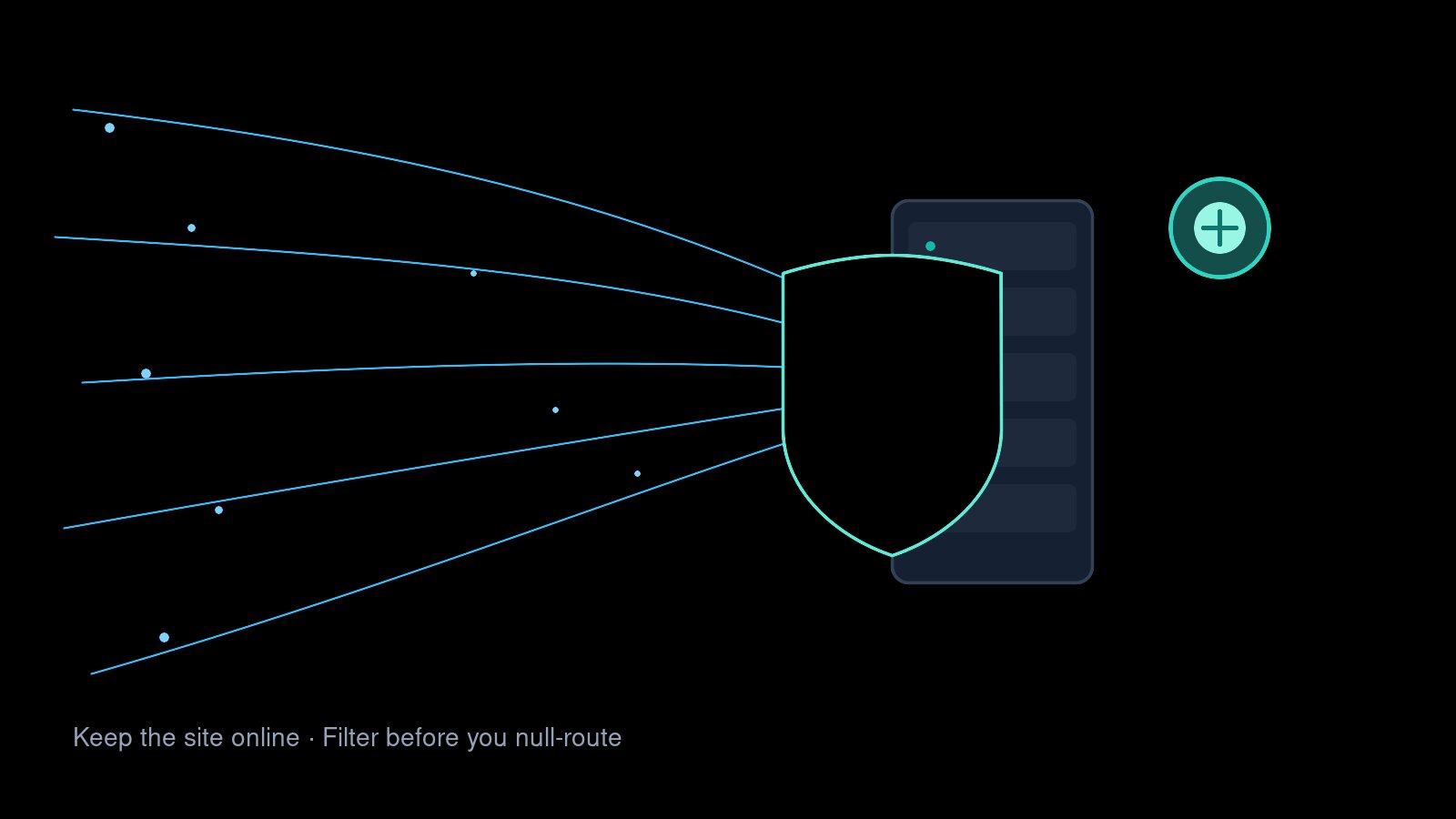
How to Handle a SYN Attack on a Hosting Server Without Taking Down the Customer Website

A sudden increase in server load can have many causes, but one situation that needs quick attention is a SYN attack. On a hosting server, a large number of incoming connections can consume server resources and eventually affect other websites hosted on the same machine.

When the attack is targeting a specific customer IP, the response needs to be handled carefully. Simply blocking or null routing the IP may stop the attack, but it will also make the customer's website unavailable.

The correct approach depends on the situation. If the customer is willing to move to another server, migration can be the safest option. If the customer wants to remain on the same server, additional protection and traffic filtering should be considered first.

This guide covers both situations.

Keep the customer website online while filtering SYN flood traffic

1. Start by Checking the Server Load

Before making any changes, first confirm that the server is actually under abnormal load.

Confirm abnormal load with uptime, CPU, and memory before assuming a SYN attack

Useful commands include:

uptime
top

or:

htop

Look at the load average, CPU usage, memory usage and the number of Apache or Nginx processes.

If the server normally has a low load and suddenly starts showing a significant increase, check the active network connections.

Do not assume that high load automatically means a SYN attack. The website could also be experiencing a legitimate traffic spike, a broken application, a database problem or another resource issue.

2. Check for SYN Connections

The next step is to check whether there are a large number of connections waiting in the SYN state.

Large number of SYN-RECV connections converging on one customer IP and port 443

On older systems, you can use:

netstat -nap | grep SYN

A more modern option is:

ss -ant state syn-recv

To count them:

ss -ant state syn-recv | wc -l

You can also look specifically at HTTPS connections:

ss -ant state syn-recv | grep ':443'

If hundreds or thousands of connections are repeatedly targeting port 443 on one particular IP, that IP deserves further investigation.

However, the number alone does not prove that an attack is taking place. It should be considered together with server load, bandwidth usage and application behaviour.

3. Identify the IP Being Targeted

Once abnormal connections are confirmed, identify which local IP is receiving them.

For example:

Customer IP: 203.0.113.10
Port: 443
State: SYN-RECV

Now identify the hosting account using that IP.

This step is important because you do not want to disrupt an unrelated account or IP.

Check:

  • Which account owns the IP
  • Which domains use the IP
  • Whether other services use the same IP
  • Whether the traffic is actually reaching the affected website
  • Whether the server itself is becoming overloaded

4. Check DNS Before Taking Any Action

Before removing or null routing the IP, check the domain's DNS.

For example:

dig +short example.com

Check the nameservers:

dig NS example.com

Make sure the domain is pointing to the correct IP and that the nameservers are correctly configured.

This is an important step because sometimes what looks like a server or IP problem can actually be caused by incorrect DNS.

Before taking the IP offline, make sure you know exactly which account and website you are affecting.

5. Try Less Disruptive Protection First

If the customer wants to keep the website on the existing server, do not immediately null route the IP.

First try to reduce or filter the unwanted traffic.

CDN, WAF, and rate limiting layers protecting the origin server

Depending on the setup, possible options include:

  • Cloudflare proxying
  • Bot protection
  • WAF rules
  • Rate limiting
  • Firewall rules
  • CSF/LFD rules
  • Web server connection limits
  • Upstream DDoS protection

If the domain is using Cloudflare, enabling appropriate bot protection or managed security rules can be particularly useful because traffic can be filtered before it reaches the hosting server.

The goal at this stage is simple: keep legitimate visitors working while reducing malicious traffic.

6. Enable TCP SYN Protection

Linux has built-in SYN cookie protection.

Check whether it is enabled:

sysctl net.ipv4.tcp_syncookies

If required, enable it:

sysctl -w net.ipv4.tcp_syncookies=1

To make the setting persistent:

echo "net.ipv4.tcp_syncookies = 1" >> /etc/sysctl.conf
sysctl -p

This can help the server handle certain SYN flood conditions more effectively.

However, this is not a replacement for upstream DDoS protection. If the attack is large enough to saturate the server's network connection, local Linux settings cannot solve the bandwidth problem.

7. Check Apache or Nginx

If the attack is causing a large number of web server processes or connections, check the web server.

For Apache:

ps aux | grep '[h]ttpd' | wc -l

You can also check the service status:

systemctl status httpd

If Nginx is being used:

systemctl status nginx

If Apache is consuming a large amount of CPU or memory and the server is becoming unstable, temporarily stopping Apache may be necessary.

For example:

systemctl stop httpd

This should only be done when necessary because it will affect websites using Apache.

The purpose is to stabilize the server while deciding on the next step.

8. Scenario One: The Customer Is Willing to Move to Another Server

If the customer agrees to migrate, this is often the cleanest option when the attack is specifically targeting one IP.

Decision path: migrate to a clean IP or stay and protect with CDN/WAF

Before removing anything, take a complete backup of the account.

The backup should include:

  • Website files
  • Databases
  • Email accounts and data
  • DNS information
  • SSL configuration where applicable
  • Account configuration

Once the backup is complete, prepare another server with an available IP.

Restore the account there and test the website before changing DNS.

Check:

curl -I https://example.com

Then update DNS to the new IP.

Verify the change:

dig +short example.com

Once the domain is correctly working from the new server, the old IP can be taken out of service if necessary.

If the attack is still hitting the old IP, it can then be null routed.

For example:

ip route add blackhole 203.0.113.10/32

Verify:

ip route | grep 203.0.113.10

Null routing should only be done after confirming that the IP is no longer required for the customer's active service.

9. Scenario Two: The Customer Has Only One IP and Does Not Want to Move

This situation requires a different approach.

If the customer has only one IP and wants to stay on the existing server, simply removing the IP is not an option because the website will become unreachable.

Null routing has the same problem.

In this case, the first priority should be traffic filtering.

A practical approach is:

SYN attack detected
        ↓
Identify affected IP
        ↓
Verify DNS and account
        ↓
Check server resource usage
        ↓
Enable CDN/WAF/Bot protection
        ↓
Apply appropriate rate limiting
        ↓
Review firewall rules
        ↓
Monitor server
        ↓
Attack reduced?
      /       \
    Yes        No
     ↓          ↓
 Continue     Upstream
 monitoring   DDoS protection

If the customer uses Cloudflare, proxying the website through Cloudflare can help keep unwanted traffic away from the origin server.

You can then use Cloudflare's security features to challenge or block suspicious traffic.

At the server level, CSF/LFD or another firewall can be used to block clearly identified malicious sources.

For example:

csf -d ATTACKER_IP

However, blocking individual IPs is only useful when the attack sources can actually be identified and blocked effectively.

If the attacker is using a large number of distributed IP addresses, manually blocking them one by one will not be a practical solution.

10. What If the Attack Is Too Large for the Server?

This is where it is important to understand the difference between a small SYN flood and a large DDoS attack.

If the attack is consuming CPU or connection resources, server-level protection may help.

But if the incoming traffic is large enough to consume the server's network bandwidth, the firewall cannot solve the problem.

The traffic has already reached your network connection.

The situation may look like this:

Attack traffic
      ↓
Internet
      ↓
Server network connection
      ↓
Bandwidth exhausted
      ↓
Server becomes unreachable

In this situation, the filtering needs to happen before the traffic reaches the server.

The customer may need:

  • Cloudflare or another CDN
  • Provider-level DDoS protection
  • DDoS-protected IP space
  • Upstream traffic filtering

This is especially important for customers who refuse to migrate but still need their website to remain online.

11. When Should You Null Route the IP?

Null routing should be considered an emergency mitigation option.

Null routing discards attack traffic and legitimate visitors together

Before null routing, check:

  1. Is the IP definitely under attack?
  2. Is the correct account using the IP?
  3. Is DNS pointing to the expected IP?
  4. Have less disruptive mitigation options been attempted?
  5. Has the account been backed up if migration may be required?
  6. Is the customer aware that the IP will become unreachable?
  7. Are there other services using the same IP?

If the IP is null routed:

ip route add blackhole IP_ADDRESS/32

all traffic to that IP will effectively be discarded.

That means the attack will stop reaching the server, but legitimate visitors will also lose access.

For that reason, null routing should not be the first response when the customer still needs the website online.

12. A Practical Decision Tree

The following process works well for a hosting environment:

Monitor server
     ↓
High load detected
     ↓
Check SYN_RECV
     ↓
Identify attacked IP
     ↓
Verify account + DNS
     ↓
Try protection
     ↓
Is customer willing to migrate?
       /              \
     YES              NO
      ↓                ↓
Backup account     Keep account
      ↓                ↓
Move account       CDN/WAF/Bot
      ↓             protection
New IP                ↓
      ↓           Firewall/rate
Update DNS          limiting
      ↓                ↓
Verify site       Monitor attack
      ↓                ↓
Null route old   Is attack still
IP if required   overwhelming?
                       / \
                     YES  NO
                      ↓    ↓
                  Upstream Continue
                  DDoS      monitoring
                  filtering

13. After the Incident

Once the attack has been handled, continue monitoring the server.

Useful checks include:

uptime
ss -s
ss -ant state syn-recv | wc -l

Also review:

  • CPU usage
  • Memory usage
  • Network traffic
  • Apache/Nginx connections
  • Firewall logs
  • System logs
  • Website access logs
  • Error logs

If the account was migrated, monitor the new server as well. This confirms that the attack has not simply followed the website to its new IP.

Final Recommendation

There is no single fix that works for every SYN attack.

If the customer is willing to move, backup and migrate the account to another server with a clean IP. This is often the simplest solution when a particular IP is repeatedly targeted.

If the customer wants to remain on the same server, do not immediately null route the IP. First use CDN, WAF, bot protection, rate limiting and firewall controls. If the traffic is large enough to overwhelm the network itself, use upstream DDoS protection because server-level firewall rules will not be enough.

The most important part is to avoid making the situation worse while trying to fix it.

A good incident response process is:

Monitor → Identify → Verify → Protect → Backup → Migrate or Mitigate → Monitor

And before null routing an IP, always confirm the DNS, account ownership and whether there is another way to protect the website without taking it offline.

#syn-flood#ddos#linux#nginx#cloudflare#incident-response#hosting
← Back to all posts